
How to activate IBOB Player on your device
By the IBOB Player team · Published · Updated
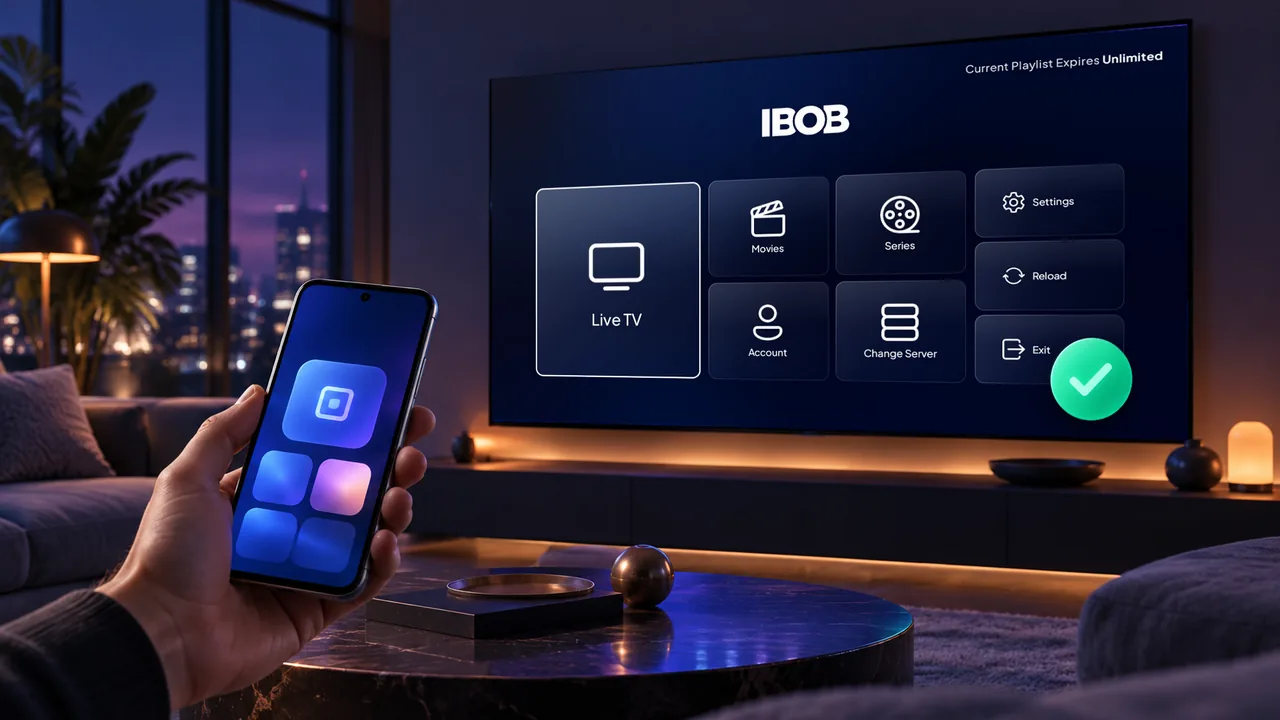
- Free trial on every device
- You add your own playlist
Every IBOB Player install starts with a free trial. When it ends, a licence keeps the app working on that device. Activation takes about two minutes and you do it on this website, not inside the app. Here is the whole process, so there are no surprises at checkout.
IBOB Player is a media player. A licence unlocks the player app only; it does not include channels, playlists or any content.
Before you pay: use the trial
Purchases are non-refundable (see the refund policy), so use the trial to check that your own playlist loads and plays well on your device:
- Install the app on your device (Android TV, Fire TV Stick, Google TV or Nvidia Shield).
- Add your playlist: sign in to the portal and enter your M3U link or Xtream details (which one do I have?).
- Watch for a while. If streams stutter, work through the buffering checklist first; most buffering comes from the network or the playlist source, not the player.
Step 1: Find your MAC address or device key
The licence is tied to one device, so checkout needs to know which one. You can use either identifier:
| Identifier | Where to find it in the app |
|---|---|
| MAC address | Settings, then About device |
| Device key (6 digits) | Shown on the splash screen when the app starts |
Write it down or keep the app open on the TV while you check out on your phone or computer.
Step 2: Choose a plan
Open the activation page. Two plans are currently offered, both a one-time payment (no recurring subscription):
- 1 Year: the device is licensed for 365 days.
- Lifetime: the device stays licensed with no expiry date.
Current prices are shown on the pricing section and at checkout.
Step 3: Enter the device and your details
- Under Which device gets this plan?, enter the MAC address, or choose Use device ID instead and enter the 6-digit key.
- Enter your name and email. The receipt goes to this address, and the device is registered to you so you can find it again later.
- Select Continue to payment. Payment is processed by our payment provider on a secure checkout page.
Step 4: Let the app pick up the licence
Once payment is confirmed, the licence is activated on that device and the app picks it up on its next check-in. If it still shows the trial or an expired notice after a few minutes, restart the app. Still not active? Contact support with your receipt.
Troubleshooting activation
- Checkout cannot find your device: re-check the MAC address character by character (0 and O, 1 and I), or use the 6-digit device key instead.
- Activated the wrong device: contact support with your receipt; do not buy a second licence.
- Several TVs: each device needs its own licence. Your playlists are managed in your portal account and sync to the devices linked to it.
- Bought through a reseller: resellers activate devices from their own dashboard, so contact the reseller. Want to sell licences yourself? See the reseller program.
Frequently asked questions
Where do I find the MAC address for IBOB Player?
Open IBOB Player on your TV and go to Settings, then About device. The MAC address is listed there.
What is the IBOB Player device key?
A 6-digit key the app shows on its splash screen when it starts. At checkout you can identify your device by this key instead of the MAC address.
Is a plan a subscription?
No. Plans are a one-time payment: either one year or lifetime for the device you choose at checkout.
Does activation include channels or a playlist?
No. IBOB Player is a media player only. You add your own M3U or Xtream playlist from a provider you are legally entitled to use.
Can I get a refund after activating?
Purchases are non-refundable, so test the app with your own playlist during the free trial before you buy. See the refund policy for details.
I bought from a reseller. Do I still need to pay here?
No. Resellers activate devices for their customers from their own dashboard. Contact the reseller who sold you the licence.
Related guides
 IBOB Player for Android TVHow to install IBOB Player on Android TV, add your own M3U or Xtream playlist and activate your device. Works on smart TVs, set-top boxes and projectors.
 IBOB Player for Android phones and tabletsInstall IBOB Player on an Android phone or tablet (Android 8.0+), add your own M3U or Xtream playlist and activate the device. Step-by-step APK install guide.
 IBOB Player for Fire TV StickInstall IBOB Player on a Fire TV Stick with the Downloader app, then add your own M3U or Xtream playlist. Step-by-step setup and device activation.
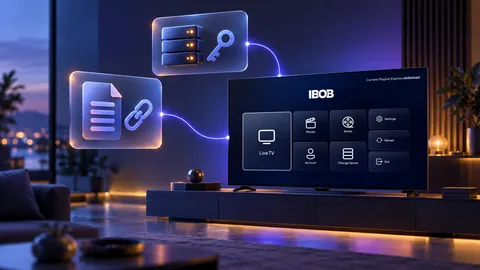 Using M3U and Xtream playlists with IBOB PlayerWhat M3U and Xtream playlists are, which one you have, and how to add it to IBOB Player on Android TV, Fire TV Stick and Android.