
IBOB Player APK download: official sources and safe install
By the IBOB Player team · Published · Updated
- Free trial on every device
- You add your own playlist
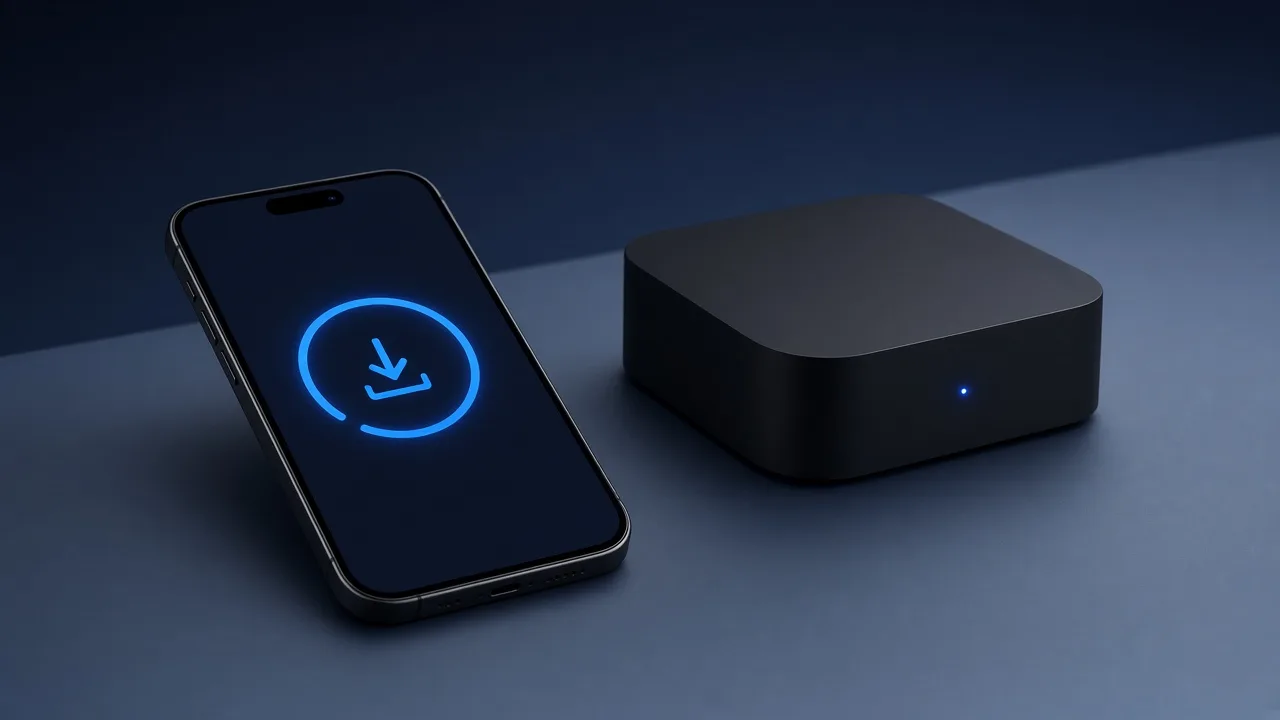
The official IBOB Player APK installs on Android TV, Google TV, Amazon Fire TV and Android phones and tablets. Download it from the Download section of ibobplayer.com, or on Fire TV with Downloader code 2993432, then add your own playlist in your account.
No channels included. IBOB Player is a media player only: it plays the M3U or Xtream playlist you already have from your own provider. We do not sell playlists, channels or subscriptions.
Only add playlists you are legally entitled to use.
Official download sources
There are only a few places to get the genuine app. Use one of these:
| Source | Best for | How |
|---|---|---|
| ibobplayer.com Download section | Any Android device with a browser | Open ibobplayer.com/#download, choose your device and tap Direct Download |
| Downloader app, code 2993432 | Fire TV Stick and Fire TV devices | Enter the code in Downloader’s URL box (Fire TV guide) |
| ApkPure or Aptoide | People who already use these APK stores | Search for IBOB Player |
The direct download on our site always fetches the latest version, so it is the recommended option.
Why you should avoid APK mirror and “mod” sites
Search results for any app’s APK are full of mirror sites, “premium unlocked” builds and “mod” versions. For IBOB Player, none of these are published by us. They carry real risks:
- Malware. A modified APK can contain code that has nothing to do with video playback.
- Old versions. Mirrors are often several versions behind and miss fixes.
- Broken activation. A tampered build may not link to your account, so playlists and licences do not sync.
- No need. Every official install already includes a free 7-day trial, so there is nothing to “unlock” before you can test.
If you already installed IBOB Player from an unknown site, uninstall it and install again from an official source.
What you need
- A device running Android: Android TV, Google TV, Fire TV, or an Android phone or tablet with Android 8.0 or newer.
- Enough free storage for the download and install. A nearly full device is the most common reason an install fails.
- Permission to install apps from outside the Play Store (the steps below show where).
- Your own M3U link or Xtream login, and an account on ibobplayer.com (sign in or register).
How to install the IBOB Player APK on Android TV and Google TV
- Install a browser or file manager that can download files (for example the Downloader app from the Play Store).
- Open it and go to
ibobplayer.com, then the Download section, and start the direct download. - When the TV asks, allow that app to install unknown apps. On Google TV this is under Settings, System, Apps, Security & restrictions, Unknown sources; menu names vary by TV brand.
- Open the downloaded file and choose Install, then Open.
Device-specific walkthroughs: Android TV · Google TV · NVIDIA Shield.
How to install the APK on Fire TV Stick
- Install Downloader from the Amazon Appstore.
- In your Fire TV settings, allow Downloader to install unknown apps (under My Fire TV, Developer options, or Applications, depending on Fire OS version).
- Open Downloader, type 2993432 into the URL box and press Go.
- Choose Install, then Open. Delete the APK file afterwards to save space.
Some of Amazon’s newest Fire TV models run a different system that only allows apps from the Amazon Appstore. If your device has no option to install unknown apps, check the operating system under Settings, My Fire TV, About. The full guide is at IBOB Player on Fire TV Stick.
How to install the APK on an Android phone or tablet
- Open ibobplayer.com/#download in your phone’s browser and tap Direct Download.
- Tap the downloaded file. If Android blocks it, tap Settings and turn on Allow from this source for your browser.
- Go back and tap Install. If Google Play Protect offers to scan the app, let it.
- Switch “Allow from this source” off again afterwards if you prefer.
More detail, including data and battery tips: IBOB Player for Android phones and tablets.
After installing: device key, playlist and trial
- Open the app once. This links the device and starts its 7-day free trial.
- Note the device key and MAC address. The 6-digit device key is on the splash screen; the MAC address is under Settings, About device.
- Add your playlist in your account: choose M3U or Xtream, paste your details and pick the device. It syncs on the next check-in. Guide: add a playlist.
- Activate after the trial with the device key or MAC address at /activate. See how activation works.
M3U or Xtream: a quick check
- M3U: one long link from your provider, often ending in
.m3uor.m3u8or containingget.php. Paste the whole link. - Xtream Codes: a server address, username and password. Enter all three exactly as supplied.
IBOB Player handles both, and you can keep up to five playlists. More: M3U and Xtream playlists explained.
Updating the APK
When a new version is released, download the APK again from the official source and install it over the current app. You do not need to uninstall first, and your playlists are stored in your account, not only on the device. If an install over the top fails, the old copy probably came from another source: uninstall it, then install the official APK.
APK install problems and fixes
- “App not installed”: free up storage, check the Android version (8.0 or newer on phones), and uninstall any copy from another source first.
- “Install blocked” or no Install button: the app that opened the file has not been allowed to install unknown apps yet.
- Downloader code does nothing: make sure you typed 2993432 in the URL field, not the search field, or use the direct link on ibobplayer.com.
- Parse error: the download was interrupted. Delete the file and download it again over a stable connection.
- Playlist does not load after install: see IPTV playlist not working.
Try it free, then activate
Every device starts with a 7-day free trial. Test it with your own playlist before you buy, because purchases are non-refundable.
Download IBOB Player · See pricing · Activate a device
On a PC instead? Use the native Windows app. All device guides: IBOB Player guides.
Frequently asked questions
Where can I download the IBOB Player APK safely?
From the Download section of ibobplayer.com, through the Downloader app with code 2993432 on Fire TV, or by searching for IBOB Player on ApkPure or Aptoide. Avoid other mirror sites.
Is IBOB Player on the Google Play Store?
IBOB Player is installed from its APK file. Use the official download on ibobplayer.com or the APK stores listed on the site.
Is there a modded or premium-unlocked IBOB Player APK?
No official one. Modified builds are not published by us, may be outdated and can contain malware. Every official install already includes a 7-day free trial.
Which Android version do I need?
Android 8.0 or newer on phones and tablets. The APK also installs on Android TV, Google TV and Fire TV devices.
Does the APK include channels?
No. IBOB Player is a media player only. You add your own M3U link or Xtream login from a provider you are legally entitled to use.
How do I update the APK?
Download the latest APK from the official source and install it over the existing app. Your playlists stay in your account.
Related guides
 IBOB Player for Fire TV StickInstall IBOB Player on a Fire TV Stick with the Downloader app, then add your own M3U or Xtream playlist. Step-by-step setup and device activation.
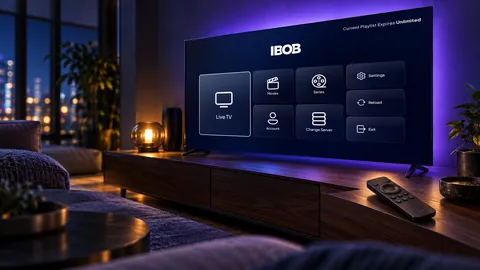 IBOB Player for Android TVHow to install IBOB Player on Android TV, add your own M3U or Xtream playlist and activate your device. Works on smart TVs, set-top boxes and projectors.
 IBOB Player for Android phones and tabletsInstall IBOB Player on an Android phone or tablet (Android 8.0+), add your own M3U or Xtream playlist and activate the device. Step-by-step APK install guide.
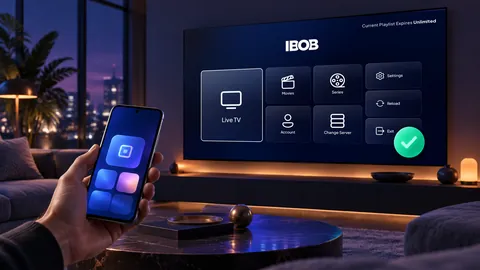 How to activate IBOB Player on your deviceActivate IBOB Player after the free trial: find your MAC address or 6-digit device key, choose a plan, pay once, and the app unlocks on its next check-in.