
IBOB Player vs IBO Player: how to tell them apart
By the IBOB Player team · Published · Updated
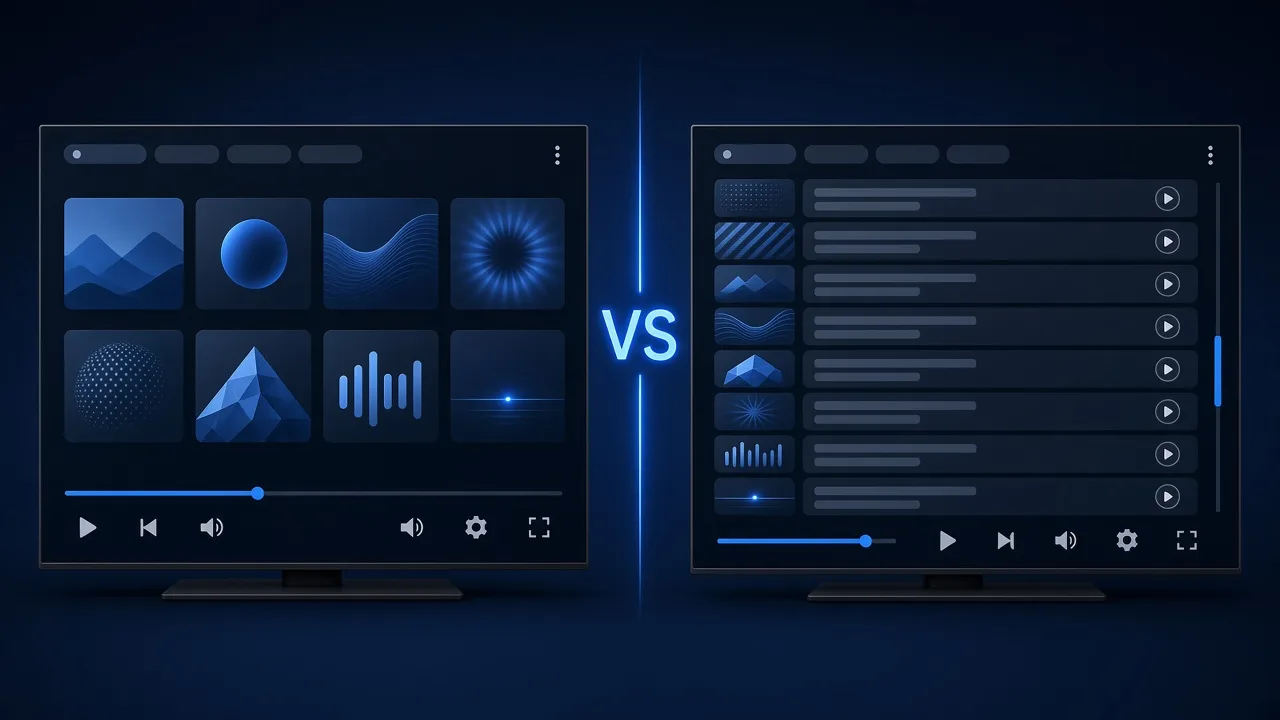

- Free trial on every device
- You add your own playlist
IBOB Player is not IBO Player. The names differ by one letter, but they are two separate apps from two separate companies, with different websites, licences, activation pages and support. If you are about to pay, first check which app is installed on your TV.
No channels included. IBOB Player is a media player only: it plays the M3U or Xtream playlist you already have from your own provider. We do not sell playlists, channels or subscriptions.
Only add playlists you are legally entitled to use. IBOB Player has no affiliation with IBO Player or iboplayer.com.
The short version
| IBOB Player | IBO Player | |
|---|---|---|
| Website | ibobplayer.com | iboplayer.com |
| Activation page | ibobplayer.com/activate | on its own website |
| Licence | IBOB licence only | IBO licence only |
| Playlist management | your account on ibobplayer.com | on its own website |
| Support | IBOB support (contact) | IBO Player’s own support |
A licence for one app never works in the other. We do not describe IBO Player’s features or prices here, because they are not ours to state and can change; check its own website.
Why people mix them up
Search a TV app store or Google for “ibo player” and “ibob player” and you will see both. People also hear the name from a friend, a reseller or a provider and type it from memory. The most common mix-ups we see are:
- Paying on the wrong site. Someone installs IBOB Player, then searches “ibo player activate” and pays on another website. The licence does not reach the IBOB app.
- Entering the wrong device ID. Each app shows its own identifiers. A MAC address or key from one app means nothing to the other’s checkout.
- Contacting the wrong support. Support teams can only see licences and accounts in their own system.
How to check which app you have, step by step
- Read the app name on the TV’s app list or home screen. IBOB Player shows “IBOB Player”.
- Open the app and look at the splash screen. IBOB Player shows a 6-digit device key there when it starts.
- Open Settings, then About device in IBOB Player. The MAC address listed there is the one to use at ibobplayer.com.
- Check the website address before paying. For IBOB Player it must be ibobplayer.com, and activation is at ibobplayer.com/activate.
- Check the receipt. An IBOB receipt comes from ibobplayer.com. If yours does not, the purchase was for a different app.
Where each IBOB task happens
To avoid wrong turns, here is where you do each thing for IBOB Player:
- Download: the Download section at ibobplayer.com/#download, Fire TV Downloader code 2993432 (guide), or the APK page. On PC: the Windows app on the Microsoft Store.
- Add or edit playlists: your account on ibobplayer.com, then Playlists (guide).
- Activate after the trial: ibobplayer.com/activate with your device key or MAC address (how it works).
- Prices: the pricing section.
- Help: IBOB support.
What IBOB Player offers
These are the features you can verify on our own site:
- M3U and Xtream Codes playlists, up to five per account, added on the website and synced to your devices
- Devices: Android TV, Google TV, Fire TV, Android phones and tablets, and a native Windows app. Apps for LG and Samsung TVs are in development
- Everyday features: favorites, parental controls by rating or category, a multilingual interface, and audio and subtitle tracks picked per title
- Playlist PIN to hide saved playlist sources on the website
- A 7-day free trial on every device, then a one-time plan for one year or lifetime (pricing)
- Human support by email and the contact page
Switching from IBO Player to IBOB Player
If you decide to try IBOB Player, your playlist usually comes with you, because it belongs to your provider, not to the player:
- Install IBOB Player (APK, Fire TV, Windows).
- Open it once to start the 7-day trial and note the device key.
- Add the same M3U link or Xtream login in your account.
- Test for a few days on your own device, then activate.
You will not be able to transfer a licence bought from another app. For a broader look at choosing between players, read IBO Player alternative.
M3U or Xtream: which one do you have?
- M3U is a single link that ends in or returns a playlist file. You paste the whole link.
- Xtream Codes login is three fields: server URL, username and password.
Both work in IBOB Player. More detail: M3U and Xtream playlists explained.
Five questions to ask before paying for any IPTV player
Whichever app you choose, these checks save money and support emails:
- Is the website address exactly the one shown in the app? Look-alike domains are common in this niche.
- Is the licence per device, per account or a subscription? IBOB Player licences are per device and paid once, for one year or lifetime.
- Can you test first? IBOB Player gives every device a 7-day trial. Use it with your real playlist, because purchases are non-refundable.
- How do you add playlists? In IBOB Player you add them on the website, so you never type long links with a TV remote.
- Who answers when something breaks? Check that there is a real contact route. Ours is the contact page.
A player never supplies the channels themselves. If a website sells you “the app with channels included”, it is not selling a player licence like ours.
Bought the wrong licence?
Contact the support team of the website you paid on, with your receipt. We can only help with purchases made on ibobplayer.com or through an IBOB reseller. Before buying again, use the five checks above so the new licence goes to the right app and device.
Try it free, then activate
Every device starts with a 7-day free trial. Test it with your own playlist before you buy, because purchases are non-refundable.
Frequently asked questions
Is IBOB Player the same as IBO Player?
No. IBOB Player is an independent app with its own website (ibobplayer.com), licences and support. It is not affiliated with IBO Player or iboplayer.com.
Can I use an IBO Player licence in IBOB Player?
No. Licences, device activations and accounts are not shared between the two apps.
How do I know I have IBOB Player installed?
The app name reads IBOB Player, and activation happens at ibobplayer.com/activate.
I paid on the wrong website. What should I do?
Contact the support of the website you paid on. A licence bought for one app cannot be moved to the other.
Can I use the same playlist in both apps?
Usually yes. An M3U link or Xtream login comes from your provider, not from the player, so it can normally be added to either app.
Related guides
 How to activate IBOB Player on your deviceActivate IBOB Player after the free trial: find your MAC address or 6-digit device key, choose a plan, pay once, and the app unlocks on its next check-in.
 IBO Player alternative: what to know before you switchComparing IBO Player alternatives? IBOB Player is a separate app for your own M3U and Xtream playlists. Devices, licences, switching steps and a free trial.
 IBOB Player for Windows: install, add a playlist and activateInstall IBOB Player on Windows 10 or 11 from the Microsoft Store. A native app, not an Android emulator, for your own M3U and Xtream playlists. Setup guide.
 IBOB Player APK download: official sources and safe installDownload the official IBOB Player APK for Android TV, Google TV, Fire TV and Android phones. Safe sources, step-by-step install, activation and fixes.