
IBOB Player for Samsung TV: coming soon, and what to use now
By the IBOB Player team · Published · Updated
- Free trial on every device
- You add your own playlist
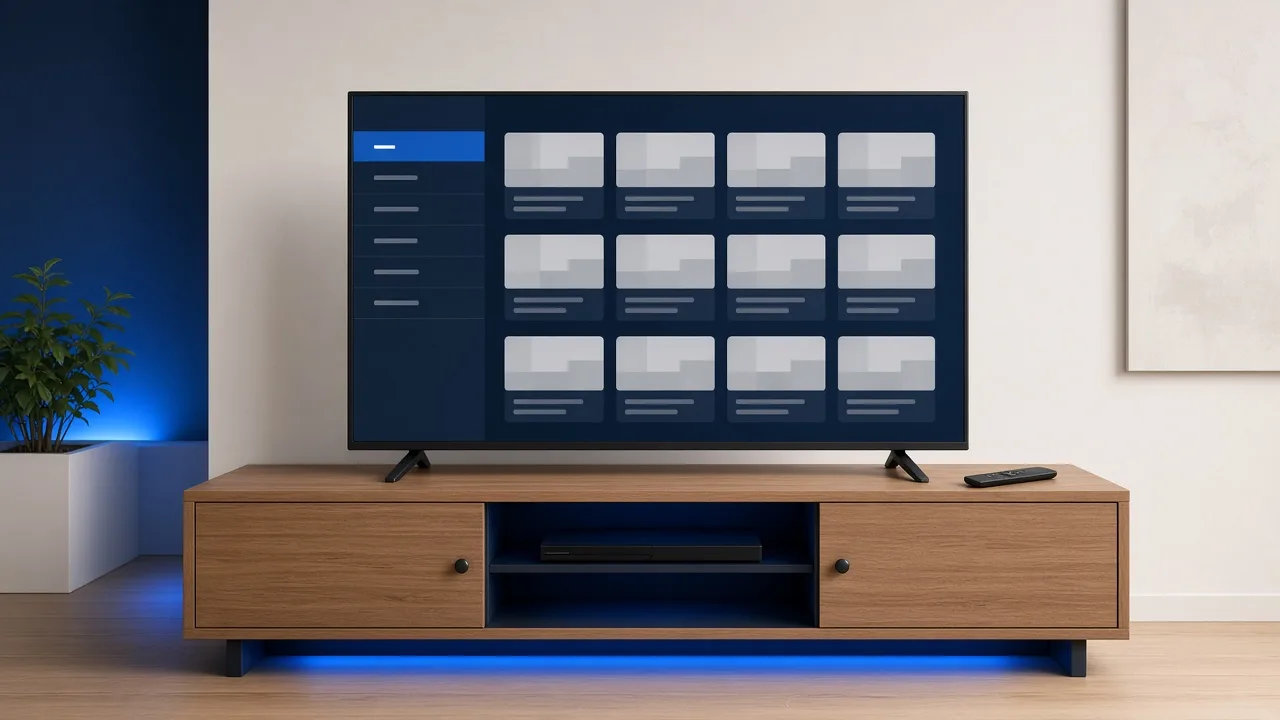
IBOB Player for Samsung smart TVs (Tizen) is in development, but it is not out yet and we have no release date to share. Join the waitlist to get one email when it launches. Until then, the easiest way to use IBOB Player on a Samsung TV is a streaming stick or box in one of its HDMI ports.
No channels included. IBOB Player is a media player only: it plays the M3U or Xtream playlist you already have from your own provider. We do not sell playlists, channels or subscriptions.
Only add playlists you are legally entitled to use.
Where the Samsung app stands
| Platform | Samsung smart TVs running Tizen |
| Status | In development |
| Release date | Not announced |
| Get notified | Waitlist email below |
We will publish supported TV years and models when the app is released. If you see an “IBOB” app in Samsung’s app store before we announce it here, it is not ours. Similar names exist, and IBOB Player is not IBO Player.
Join the Samsung waitlist
Email me when the Samsung app launches
One email is enough. We use your address only to tell you about the Samsung launch. Including your model code (Settings, Support, About This TV) helps us with testing.
Why the APK will not install on a Samsung TV
Many people try to sideload the Android version first. That cannot work on Samsung smart TVs: they run Tizen, Samsung’s own system, and Tizen does not install Android APK files. The IBOB Player APK is for Android TV, Google TV, Fire TV and Android phones. A Samsung TV needs either the upcoming Tizen app or an external Android-based device.
Watch on your Samsung TV today
Pick a device, plug it into HDMI and install IBOB Player on it:
- Fire TV Stick: the most common choice. Install with Downloader code 2993432.
- Google TV or Android TV device: install with the direct download from ibobplayer.com.
- NVIDIA Shield: a strong option for large playlists, with wired Ethernet.
Step by step
- Connect the device to the Samsung TV’s HDMI port and to power.
- On the Samsung remote, press Source (or Home, then Source) and select the HDMI port.
- Install IBOB Player on the device using its guide above.
- Open the app once. The 7-day trial starts and the 6-digit device key appears on the splash screen.
- Add your playlist in your account under Playlists, choosing M3U or Xtream (guide).
- Reopen the app so it syncs, then start watching.
Tip: turn on Anynet+ (HDMI-CEC) in the Samsung settings. Your stick’s remote can then control TV power and volume, so one remote does everything.
Your licence and the future Samsung app
Each licence covers one device. A licence you buy for a Fire TV Stick or Google TV device stays on that device. When the Samsung app launches, the TV will be a new device with its own trial, and you decide then whether to activate it. Your playlists are stored in your account, so they can be sent to the TV without re-entering them. Details: how activation works.
Have your playlist details ready
- M3U: a single link from your provider. Paste the whole link.
- Xtream Codes: server URL (with
http://and port), username and password.
Both are supported. If you are not sure which you have, read M3U vs Xtream Codes login.
Common problems with a stick on a Samsung TV
- “No signal”: select the right Source, reseat the HDMI cable, and power the stick from its own adapter.
- Picture looks stretched or cropped: set the TV’s picture size to “16:9 Standard” or “Fit to screen”.
- Playlist empty: check the details with your provider and work through IPTV playlist not working.
- Stuttering: test with an Ethernet adapter or move the router closer. See the buffering checklist.
Have an LG TV as well? See IBOB Player for LG TV. Browse all device guides.
Try it free, then activate
Every device starts with a 7-day free trial. Test it with your own playlist before you buy, because purchases are non-refundable.
Frequently asked questions
Is IBOB Player available on Samsung TV now?
Not yet. The Samsung (Tizen) app is in development and has no release date. Join the waitlist and we will email you when it launches.
Can I use IBOB Player on my Samsung TV today?
Yes, through a supported device plugged into the TV, such as a Fire TV Stick, a Google TV or Android TV device, or an NVIDIA Shield.
Can I install the IBOB Player APK directly on a Samsung TV?
No. Samsung smart TVs run Tizen, not Android, so Android APK files do not install on them. Use a streaming device until the Tizen app is released.
Will it include channels?
No. Like every IBOB Player version, it will play your own M3U or Xtream playlist only.
Do I need a new licence for the Samsung app?
Licences are per device. A Samsung TV will be a separate device with its own free trial. Your playlists in your account can sync to it.
Related guides
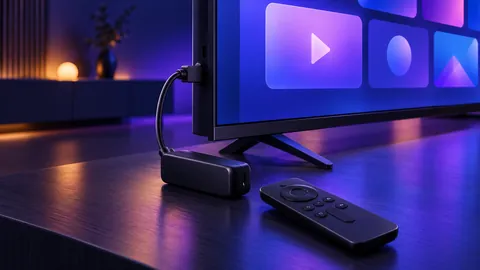 IBOB Player for Fire TV StickInstall IBOB Player on a Fire TV Stick with the Downloader app, then add your own M3U or Xtream playlist. Step-by-step setup and device activation.
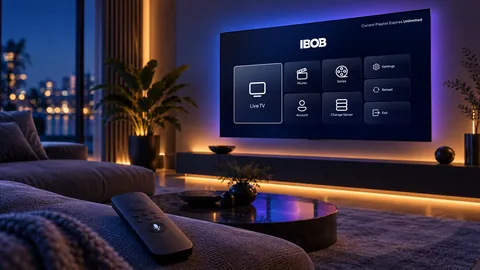 IBOB Player for Google TV and Chromecast with Google TVInstall IBOB Player on Google TV or Chromecast with Google TV using the Downloader app, then add your own M3U or Xtream playlist and activate your device.
 IBOB Player for LG TV: coming soon, and how to watch todayIBOB Player for LG smart TVs (webOS) is in development. Join the waitlist, and use your own M3U or Xtream playlist on your LG TV today with a streaming stick.
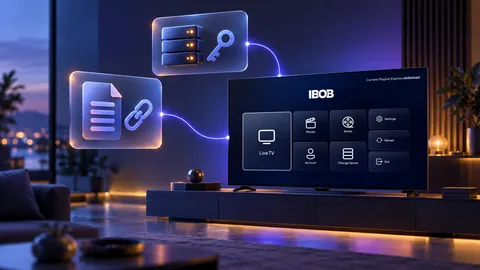 Using M3U and Xtream playlists with IBOB PlayerWhat M3U and Xtream playlists are, which one you have, and how to add it to IBOB Player on Android TV, Fire TV Stick and Android.