
A TiviMate alternative for your own M3U and Xtream playlists
By the IBOB Player team · Published · Updated
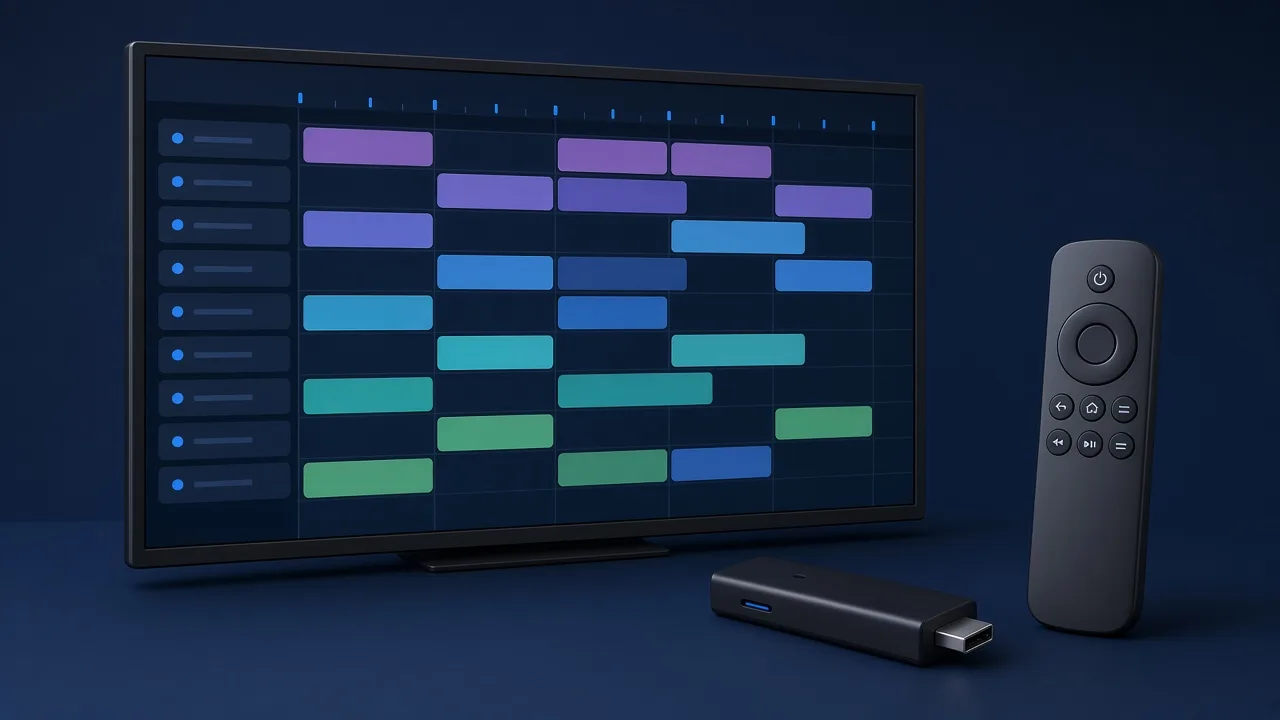

- Free trial on every device
- You add your own playlist
A TiviMate alternative needs to do the basics well: load your M3U or Xtream playlist, switch channels quickly and be easy to use with a remote. IBOB Player is one option worth testing. It plays your own playlists on Android TV, Google TV, Fire TV, Android phones and tablets, and as a native app on Windows, and every device gets a 7-day free trial.
No channels included. IBOB Player is a media player only: it plays the M3U or Xtream playlist you already have from your own provider. We do not sell playlists, channels or subscriptions.
Only add playlists you are legally entitled to use. IBOB Player is not affiliated with TiviMate. We do not make claims about TiviMate’s features or pricing, which can change; check its own website for current details.
When an alternative makes sense
TiviMate is a popular player on Android TV devices, and if it does everything you need, there is no reason to change. People who look at other players often have a specific reason:
- They want one player across the TV and the PC. For example, the same playlists on a Fire TV Stick in the living room and a Windows laptop in the office.
- They prefer a one-time payment per device over a recurring charge.
- They want to manage playlists from a phone or computer instead of the TV.
- They are setting up TVs for family members and want something simple with parental controls.
Find your reason in the sections below and decide whether IBOB Player fits it.
One player on the TV and on Windows
IBOB Player runs on Android-based TV devices and as a native Windows app from the Microsoft Store, with no emulator. Because your playlists are stored in your account on ibobplayer.com, the same lists can be sent to the TV and the PC. Each device has its own licence and trial, but you only enter a playlist once.
| Device type | Available? |
|---|---|
| Android TV and Google TV | Yes (Android TV, Google TV) |
| Fire TV Stick and Fire TV | Yes (Fire TV guide) |
| NVIDIA Shield | Yes (Shield guide) |
| Android phones and tablets | Yes, Android 8.0+ (guide) |
| Windows 10 and 11 | Yes, native Microsoft Store app |
| LG and Samsung TVs | In development (LG, Samsung) |
| Apple devices | Not available |
How IBOB Player is priced
- 7-day free trial on every device, starting the first time you open the app.
- Then a one-time plan per device: 1 Year or Lifetime. There is no recurring subscription. Current prices: pricing.
- Purchases are non-refundable, which is why the trial matters: test your real playlist on your real device first.
- Resellers can also activate devices for their customers.
Activation uses the 6-digit device key from the splash screen or the MAC address from Settings, About device. See how activation works.
Managing playlists without the remote
Instead of entering a playlist in each app on each TV, you add it once on the website:
- On your phone or computer, sign in and open Playlists.
- Choose Add playlist, name it, and pick M3U or Xtream.
- Paste the link or enter the server, username and password.
- Choose one device or All devices and save.
The playlist reaches the devices on their next check-in. You can keep up to five and switch between them. Step-by-step: add a playlist.
Everyday features to test during the trial
- Live TV, movies and series from your playlist on one home screen
- Favorites for channels, movies and series
- Audio and subtitle track selection per title
- Parental controls by rating or category
- Multilingual app interface and an eye-protection theme for late viewing
- A remote-friendly layout where each action is one button press away
We only list features shown on our own website. If you rely on a specific feature in your current player, check during the trial whether IBOB Player covers it before you buy.
Switch in about ten minutes
- Keep your provider’s welcome email handy, or ask them for your M3U link or Xtream login.
- Install IBOB Player: on Fire TV with Downloader code 2993432, on Android devices from the APK page, or on Windows from the Microsoft Store.
- Open the app to start the trial.
- Add your playlist in your account.
- Watch normally for a few days. Close your old player while testing if your provider allows only one connection.
- Activate the device if you want to keep using it.
M3U vs Xtream when moving from another player
If your previous app was set up with an Xtream login, use Xtream in IBOB Player too: the server, username and password are the same. If it used an M3U link, copy that link. Some providers offer both; the Xtream login is often simpler to maintain because there is no long link to paste again when it changes. More: M3U and Xtream playlists explained.
Troubleshooting the switch
- “Login failed”: check the server URL includes
http://and the port, and that the username and password are exact (they are case-sensitive). - Playlist is empty: confirm you chose the right type, then reopen the app so it syncs.
- Buffering on a stick: see the buffering checklist and IPTV not working on Fire Stick.
Also comparing other players? Read IPTV Smarters alternative or IBO Player alternative. All guides: IBOB Player guides.
Try it free, then activate
Every device starts with a 7-day free trial. Test it with your own playlist before you buy, because purchases are non-refundable.
Frequently asked questions
Is IBOB Player affiliated with TiviMate?
No. IBOB Player is an independent app. We are not affiliated with TiviMate and make no claims about its features or pricing.
Can I move my TiviMate playlist to IBOB Player?
Your M3U link or Xtream login comes from your provider, so you can normally add the same details to IBOB Player in your account on ibobplayer.com.
Does IBOB Player run on Windows?
Yes. IBOB Player has a native Windows 10 and 11 app on the Microsoft Store, as well as apps for Android TV, Google TV, Fire TV and Android phones.
Is IBOB Player a subscription?
No. After the 7-day free trial, each device is activated with a one-time plan for one year or lifetime. Prices are on the pricing section of ibobplayer.com.
Does IBOB Player include channels?
No. It is a media player only and plays the playlist you add from your own provider.
Related guides
 IBOB Player for Windows: install, add a playlist and activateInstall IBOB Player on Windows 10 or 11 from the Microsoft Store. A native app, not an Android emulator, for your own M3U and Xtream playlists. Setup guide.
 Looking for an IPTV Smarters alternative? Meet IBOB PlayerComparing IPTV Smarters alternatives? See what IBOB Player offers for M3U and Xtream playlists, how switching works, and how to test it free for 7 days.
 IBOB Player for Fire TV StickInstall IBOB Player on a Fire TV Stick with the Downloader app, then add your own M3U or Xtream playlist. Step-by-step setup and device activation.
 How to activate IBOB Player on your deviceActivate IBOB Player after the free trial: find your MAC address or 6-digit device key, choose a plan, pay once, and the app unlocks on its next check-in.