
Looking for an IPTV Smarters alternative? Meet IBOB Player
By the IBOB Player team · Published · Updated

- Free trial on every device
- You add your own playlist
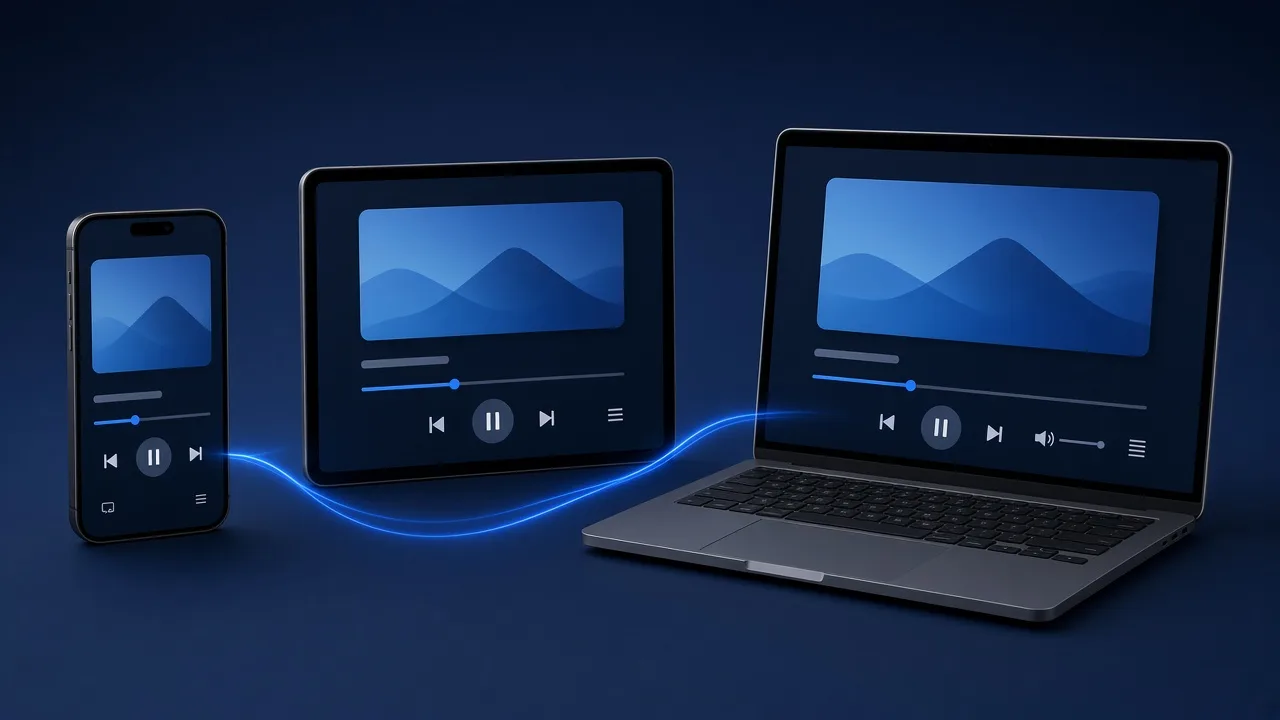
If you are searching for an IPTV Smarters alternative, you probably already have a working playlist and want a different player for it. IBOB Player is one option: it plays your own M3U links and Xtream Codes logins on Android TV, Google TV, Fire TV, Android phones and Windows, with a 7-day free trial on every device.
No channels included. IBOB Player is a media player only: it plays the M3U or Xtream playlist you already have from your own provider. We do not sell playlists, channels or subscriptions.
Only add playlists you are legally entitled to use. IBOB Player is not affiliated with IPTV Smarters. We do not make claims about IPTV Smarters’ features or pricing, which can change; check its own website for current details.
Why people look for an alternative player
IPTV Smarters is a widely used player, and many people are happy with it. Readers who contact us while comparing players usually mention one of these reasons:
- Typing logins on a TV remote. Entering a server URL, username and password letter by letter is slow and error-prone.
- Several playlists, several devices. Keeping the same lists on a living-room TV, a bedroom stick and a phone.
- Family use. Wanting parental controls and per-person audio and subtitle choices.
- A different look and feel. Simply preferring another interface.
- Reaching a human when something goes wrong.
The right player depends on your device and habits. The fairest test is to run your real playlist in both apps for a few days.
How IBOB Player handles those needs
Playlists are added on the website, not with the remote
In IBOB Player you sign in to your account on a phone or computer, open Playlists and add your M3U link or Xtream details there. You can copy and paste instead of typing, which removes the most common cause of login errors. The playlist then syncs to your devices on their next check-in. Full walkthrough: add a playlist.
Up to five playlists, sent to one device or all
Keep up to five playlists, for example a main provider and a backup, and switch between them in the app. When you add a playlist you choose a single device or All devices, so one household can share lists without re-entering them.
Features for shared TVs
- Parental controls that lock content by rating or category
- Audio and subtitle tracks chosen per title
- Favorites for channels, movies and series
- A multilingual interface
- A playlist PIN on the website, so others using your computer cannot see your saved login
Devices
| Device | IBOB Player | Guide |
|---|---|---|
| Android TV / Google TV | Available | Android TV, Google TV |
| Fire TV Stick | Available (Downloader code 2993432) | Fire TV Stick |
| Android phone and tablet | Available (Android 8.0+) | Phones and tablets |
| Windows 10 / 11 | Native app on the Microsoft Store | Windows |
| LG / Samsung smart TVs | In development | LG, Samsung |
If you need a player on iPhone, iPad or Apple TV, IBOB Player is not available there today.
A fair way to compare players
Before you switch, score your current app and IBOB Player on the same points, using your own playlist:
| What to check | How to test it |
|---|---|
| Startup and channel switching | Time how long it takes to open and change channels |
| Large playlist handling | Scroll and search your full list |
| Adding and editing playlists | Add your login, then change it |
| Movies and series browsing | Find a title and resume it |
| Audio and subtitles | Switch tracks on a title that has several |
| Price model | One-time, yearly or subscription; per device or per account |
| Support | Send a question and see how the reply comes |
IBOB Player’s plans are a one-time payment per device, for one year or lifetime; current prices are in the pricing section.
How to switch from IPTV Smarters in five steps
- Find your current details. Your provider’s welcome message has the M3U link or the Xtream server, username and password. You can also ask the provider to resend them.
- Install IBOB Player on the device: APK download, Fire TV or Windows.
- Open the app once. The 7-day trial starts and the device key shows on the splash screen.
- Add the same playlist in your account, choosing M3U or Xtream, and pick the device.
- Test for a few days, then activate if it suits you.
Note that some provider accounts allow only one stream at a time. Do not play the same account in two apps at once while testing, or one of them may be refused.
M3U or Xtream: which one should you use?
- M3U is one long link that returns the playlist file.
- Xtream Codes login is a server URL, username and password; the server builds the live TV, movie and series lists.
If your provider gives you both, Xtream is usually easier to keep up to date. Read M3U vs Xtream Codes login for the details.
If the playlist does not work after switching
- Re-copy the details without spaces, and include
http://and the port in the Xtream server URL. - Check that the type you selected (M3U or Xtream) matches what you entered.
- Stop playback in the other app if your account allows one connection.
- Work through IPTV playlist not working, or contact support.
Comparing other players too? See TiviMate alternative and IBO Player alternative, or browse all guides.
Try it free, then activate
Every device starts with a 7-day free trial. Test it with your own playlist before you buy, because purchases are non-refundable.
Frequently asked questions
Is IBOB Player affiliated with IPTV Smarters?
No. IBOB Player is an independent app. We are not affiliated with IPTV Smarters and make no claims about its features or pricing.
Can I use my IPTV Smarters login in IBOB Player?
Usually yes. The Xtream login or M3U link you use comes from your provider, not from the player, so you can normally add the same details to IBOB Player.
Does IBOB Player come with channels?
No. IBOB Player is a media player only. You add the playlist you already have from your own provider.
Can I try IBOB Player before paying?
Yes. Every device gets a 7-day free trial. Purchases are non-refundable, so test with your own playlist first.
Do I need to type my login with the TV remote?
No. In IBOB Player you add playlists in your account on ibobplayer.com from a phone or computer, and they sync to the TV.
Related guides
 How to add your M3U or Xtream playlist to IBOB PlayerAdd your own M3U link or Xtream-style login to IBOB Player from your account on the website. Step-by-step: playlist type, source URL, device choice, editing and removing.
 A TiviMate alternative for your own M3U and Xtream playlistsLooking for a TiviMate alternative? IBOB Player plays your own M3U and Xtream playlists on Android TV, Fire TV, phones and Windows, with a 7-day free trial.
 IBO Player alternative: what to know before you switchComparing IBO Player alternatives? IBOB Player is a separate app for your own M3U and Xtream playlists. Devices, licences, switching steps and a free trial.
 IBOB Player for Windows: install, add a playlist and activateInstall IBOB Player on Windows 10 or 11 from the Microsoft Store. A native app, not an Android emulator, for your own M3U and Xtream playlists. Setup guide.